
Do you have an Emergency Backup for your writing? I don’t mean a different avenue of life if a writing career doesn’t pan out. I’m talking about a backup for when something in your writing process goes haywire. For example, last week, my charging cord for my laptop would not work. When I realized this, I had about 30 minutes left before my computer was going to run out of power. With deadlines looming, what was I to do? I couldn’t keep my laptop going. I would soon lose all energy. Here’s what you need for a good backup plan.
Have an Alternate Solution
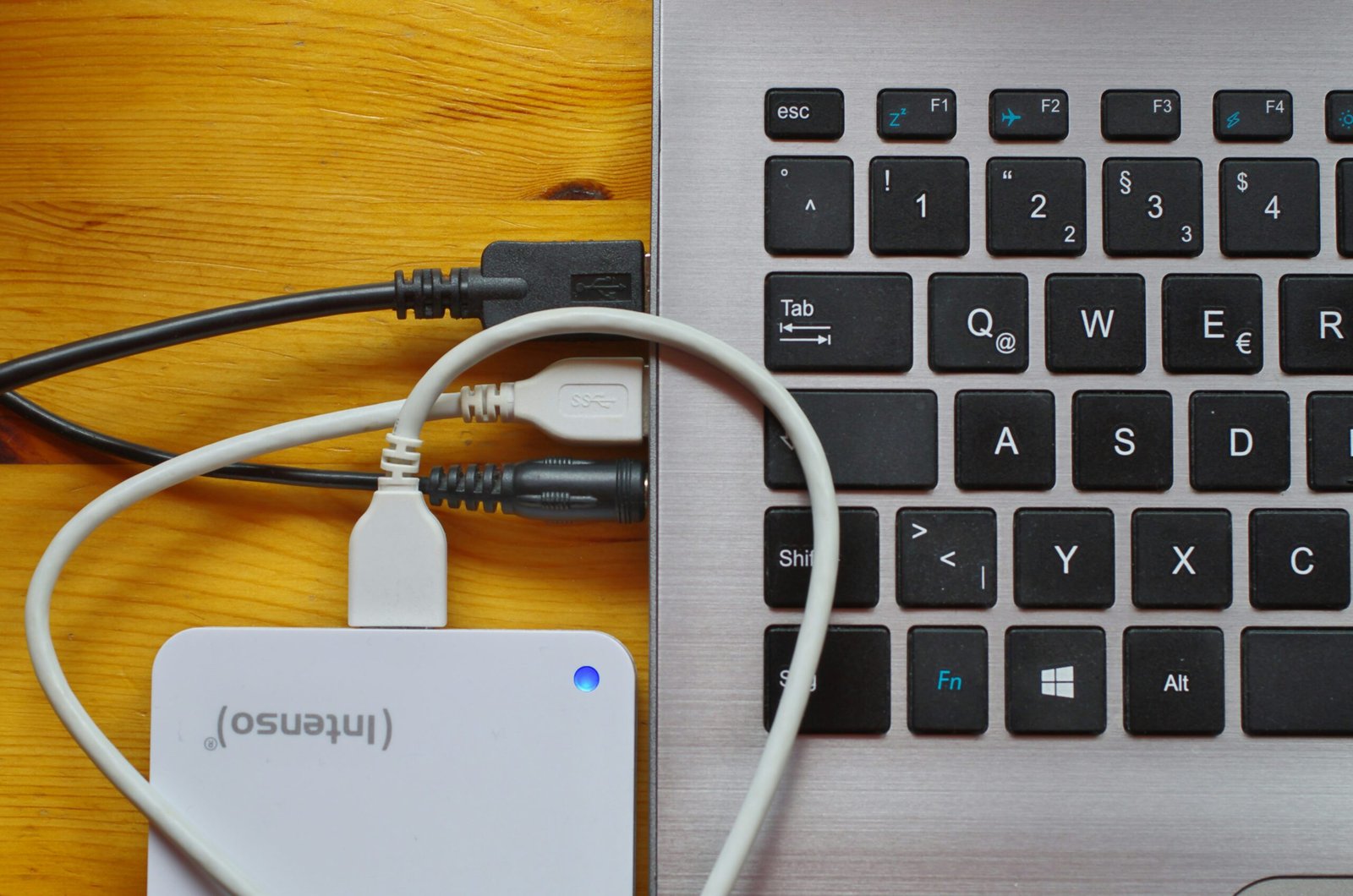
In today’s world with everyone so dependent on computers and the internet, we need to be able to have solutions when our “norm” fails. When my charger would not work, I immediately turned off my computer to conserve whatever battery power I had left. Then I asked my family if anyone had a similar charger. Unfortunately, there is no one-size-fits-all power connector plug for all computers. So I wasn’t too surprised when no one had something similar. I even looked through old chargers we had from computers that had died. Nothing worked. So, I immediately went onto eBay, found one that would work, and ordered it. Delivery time? Five days.
Now, if I didn’t have any deadlines, that would have been fine. I could always access the internet on my iPad to check mail, etc. But I needed something tangible that I could type and edit and print from (and that had Microsoft Word already installed ;D). Thankfully, I had a backup computer: a Lenovo ThinkPad that I rarely used.
Keep Up to Date
However, when I fired up the ThinkPad, it was running slow. And, since I hadn’t used it in a while, everything was out of date. So I had to spend a large amount of time waiting for all the updates to go through before I could get to work.
If I had taken a little time each week to keep this laptop up to date, I wouldn’t have had this problem. A few minutes then would have saved me a few hours of wasted time now.
Have a Backup for the Backup
One saving grace for my deadline was that I received and delivered documents for this particular client via Dropbox. And, thankfully I had the forethought years ago to upload Dropbox onto the ThinkPad as well. So my files from my main computer could be easily accessed on my ThinkPad. That was a plus.
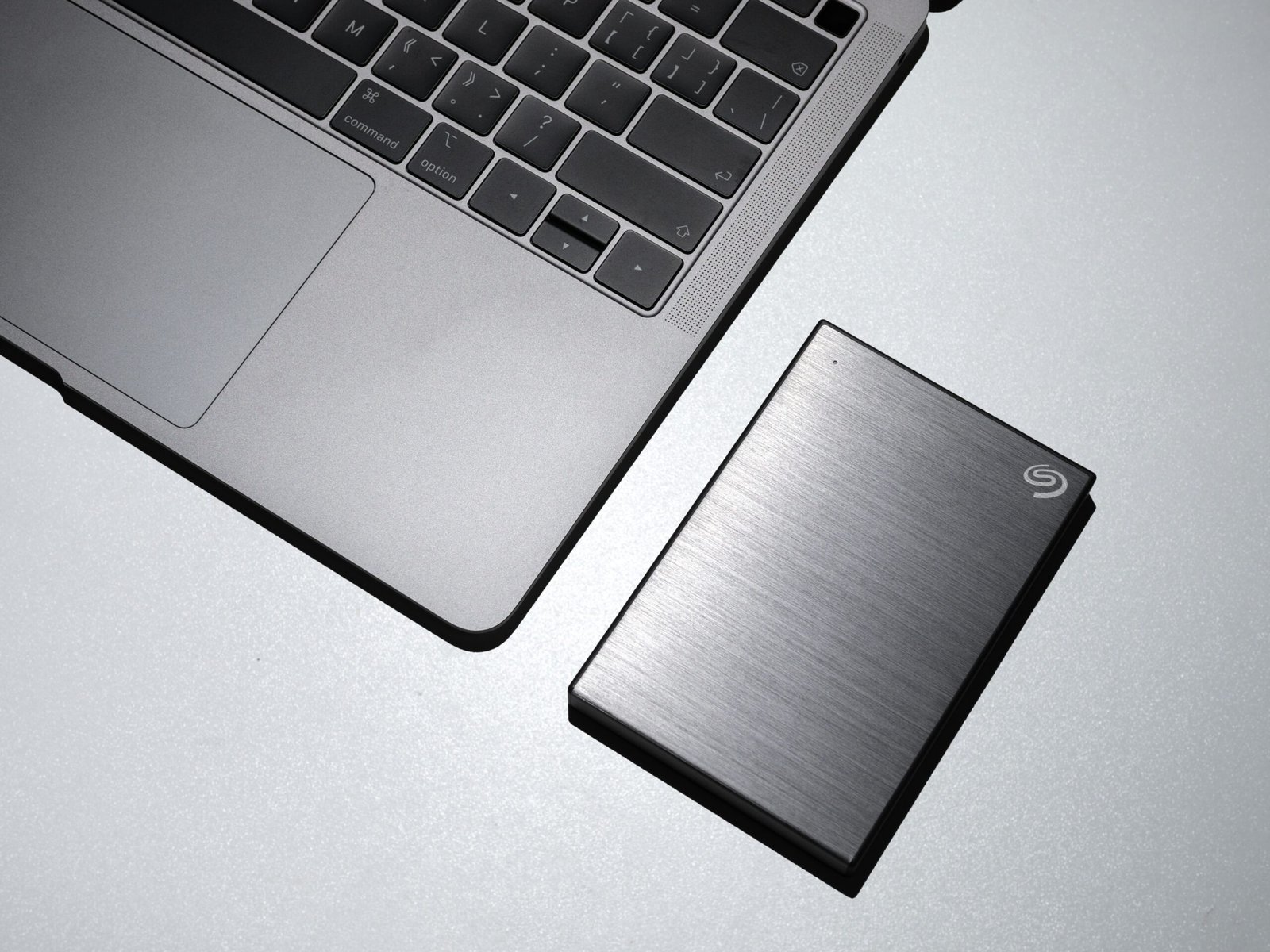
But this fact reminded me to make sure I backed up files more regularly. What if this job only had files on my main laptop and I wasn’t able to access them anymore? I would have been stuck. I need to make it a habit to keep regular backups via Dropbox and/or through an external hard drive! I backup files onto my external drive when I have a big writing project. I need to do this with all my working projects.
Take Time to Reevaluate
By having my backup plan, I was able to complete my client’s job on time. He never knew I had any issues. But I barely made it by the skin of my teeth! I realized there were too many holes in my current plan that could have gone horribly wrong. It was time to reevaluate and reassess the situation.
So, as soon as I can, I will replace my old ThinkPad with something newer (but still relatively inexpensive), I will work on keeping it active at least once a week to keep the system up to date, and I will develop the habit of backing up files onto the cloud or an external drive so I will have access to my work if something goes wrong.
And my new charging cord? It works perfectly!

What is your writing backup plan?
Unsplash.com photo credits: Cookie the Pom (for photos 1 and 4), Immo Wegmann, and Siyuan Hu.
Catherine L. Osornio has written inspirational articles for a women’s ministry newsletter, over 200 leveled reader stories for a school’s reading program, fiction and nonfiction articles for Clubhouse and Clubhouse Jr. magazines, The Declaration of Independence from A to Z, Thunder Comes a Rumblin’, Mosquitoes Infect!, plus various work-for-hire projects. A former elementary school librarian, Catherine is passionate about sharing the love of reading. She enjoys cartooning, illustration, and reading kids’ books. Email her at CLOsornio@verizon.net or visit her at www.catherineosornio.com.
Really good advice. Thanks.
Good advice. I need to figure out how to format my external hard drive. I need a young mind to tap into!! Carol
Having back ups and saving and updating to those is so important! I had some issues a year ago in the midst of a big project! Thanks for the reminders.
I have my files backed up on a flash drive. I’ve also emailed what I’m working on to my writing partner and my husband. If it’s a picture book, I email that to my bestie, who is a professional illustrator. We often work together on projects.
It’s frightening, isn’t it? The thought of losing stuff? I do have Dropbox, so I guess I should also upload stuff there. Back up to the back up to the back up. haha!